Sound outside the game
Item 1.3 of the Game Requirements
When the game loses focus, the sound stops.
Tracking game pause and resume
To make the game sound stop when the game loses focus, use the game_api_pause and game_api_resume events from the Yandex Games SDK. The platform sends these events when the gameplay needs to be paused or resumed.
Subscribe to the game_api_pause and game_api_resume events in the game code:
- When
game_api_pauseis received, turn off the game sound and pause the gameplay. - Wait for the
game_api_resumeevent and resume the sound playback and the game.
Verification method
Moderation checks if the game sound stops:
- When minimizing the browser window on a computer or an app on a phone.
- After switching to another tab in the same browser window.
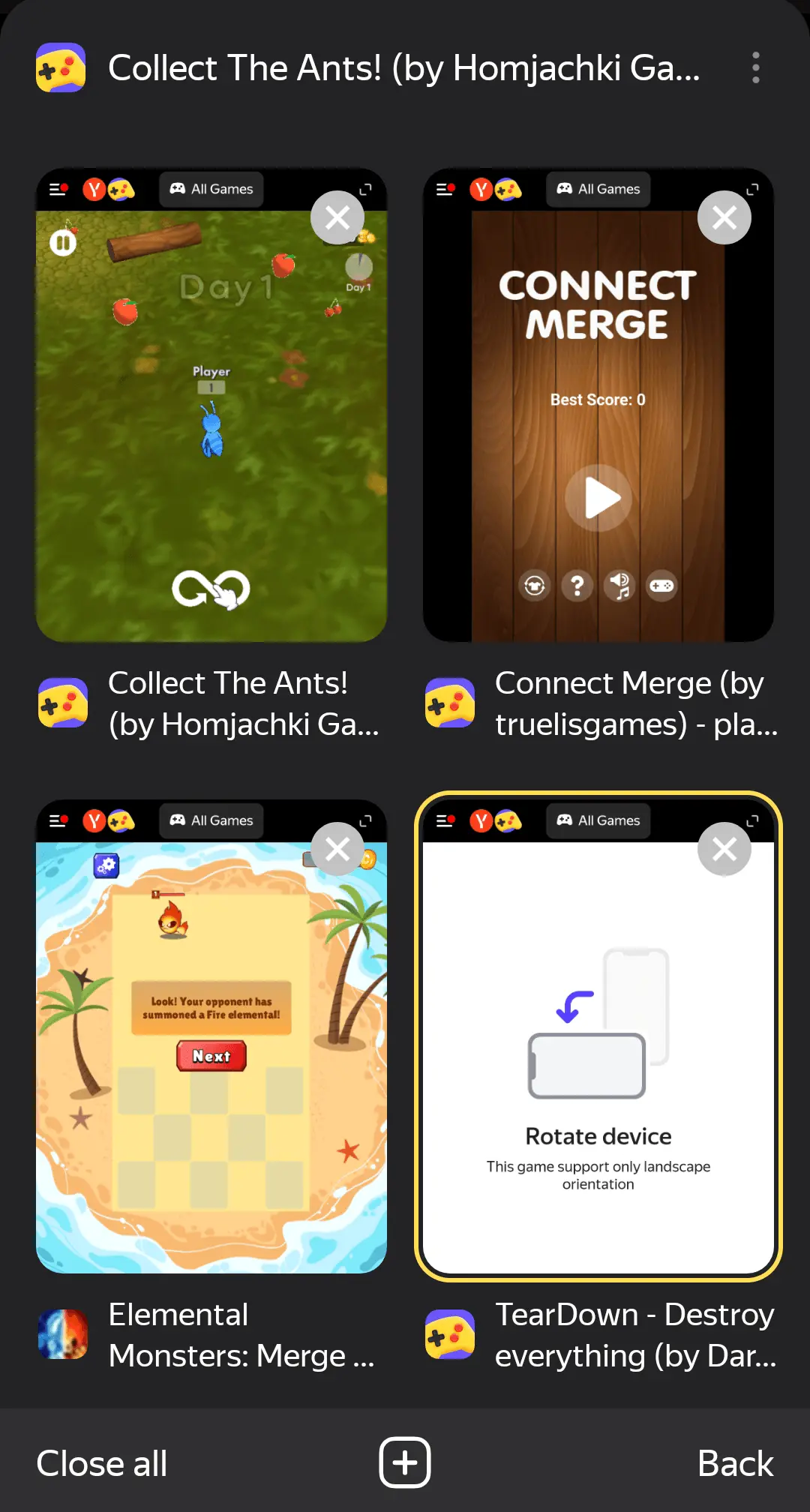
- In the browser in the tab selection menu.
If the sound stops in all three cases, the game will be approved. It is not considered a violation if:
-
The sound does not stop immediately, but within 2 seconds after leaving the game tab.
-
The game sound does not stop after clicking on an ad banner and moving to the offer tab.
-
On iOS, in the tab selection menu, the game sound continues to play.
Example of game sound on iOS
Was the article helpful?
Previous
Next